
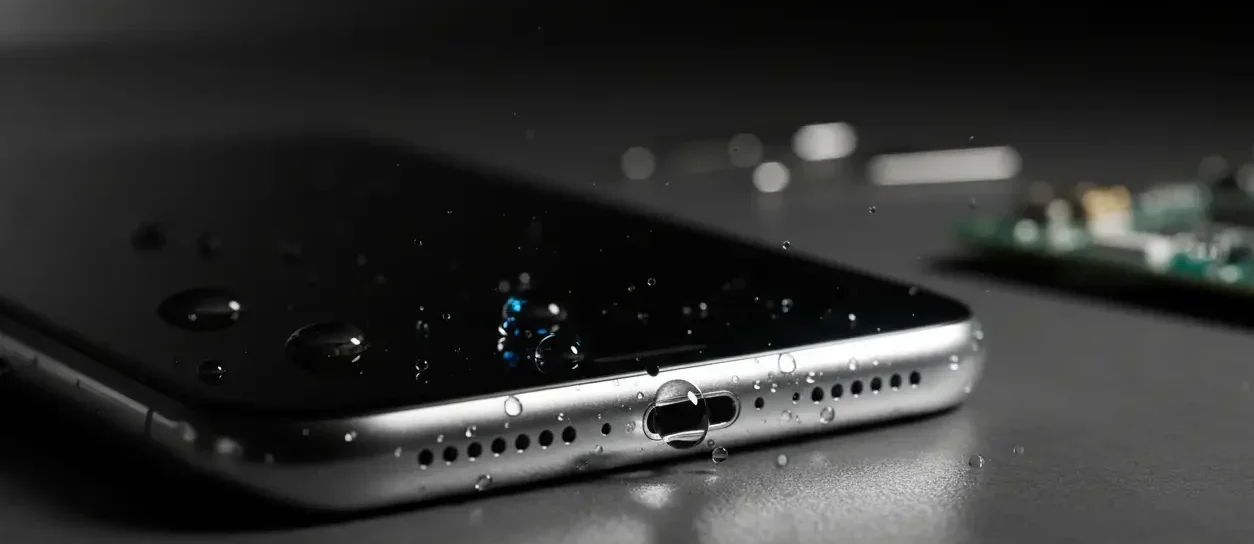
Cheapest Way on How to Get Water out of Phone Speaker
Your speaker uses a thin membrane that needs to vibrate freely; water inside the chamber blocks those vibrations, so audio becomes quiet, distorted, or full of crackling. If moisture sits there too long, it can corrode metal contacts and nearby circuits, turning a fixable “wet speaker” into long‑term water damage that often isn’t covered by warranty.
If your music suddenly sounds like it’s underwater, your real goal is simple: how to get water out of phone speaker fast, safely, and without killing the device. Whether it was a sink splash, rain, pool, or shower steam, the steps you take in the first few minutes decide if your speaker recovers or stays muffled.
Before anything else, power the phone off, unplug it, remove the case and SIM tray, and hold it so the speaker points downward. This stops short circuits, lets gravity immediately start draining water out of the speaker area, and prepares the phone for the drying and sound‑based methods that follow.
How to Remove Water from Your Phone Speaker
To truly get water out of phone speaker, you should work in a clear sequence: protect the phone, drain the water, deep‑dry the inside, then use sound to finish the job. That means starting with manual drying, using gravity and air, moving to silica gel for hidden moisture, and finally running water out of phone sound tools or apps to eject remaining droplets.
Dry off any visible water
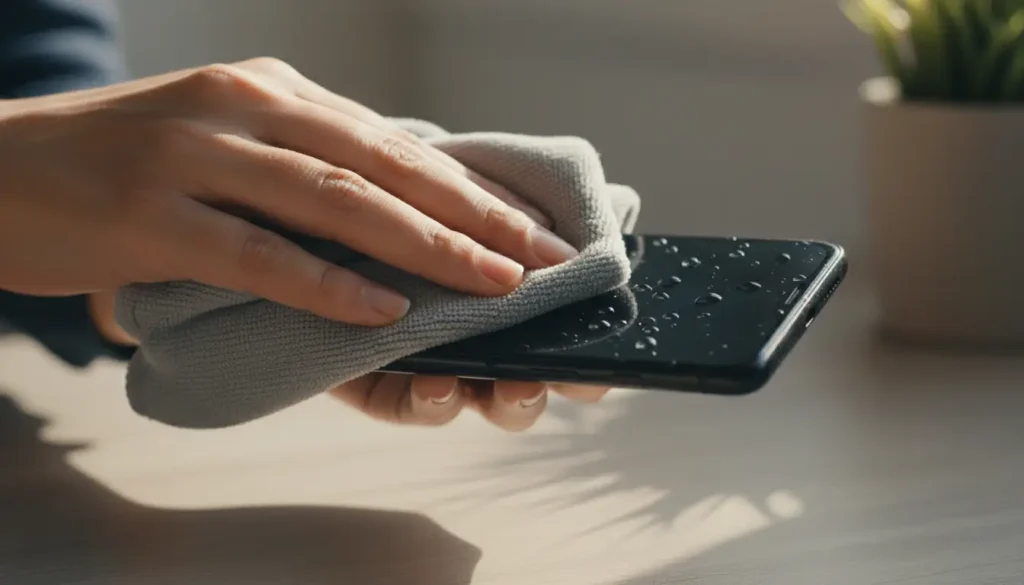
The first practical move in how to get water out of phone speaker is removing all visible moisture from the surface so you’re not pushing extra water inside later. Take off the case, eject the SIM tray, and gently dab around the speaker, ports, buttons, and seams to soak up obvious droplets before you rely on gravity or silica gel
Dry It with a Lint-Free Towel
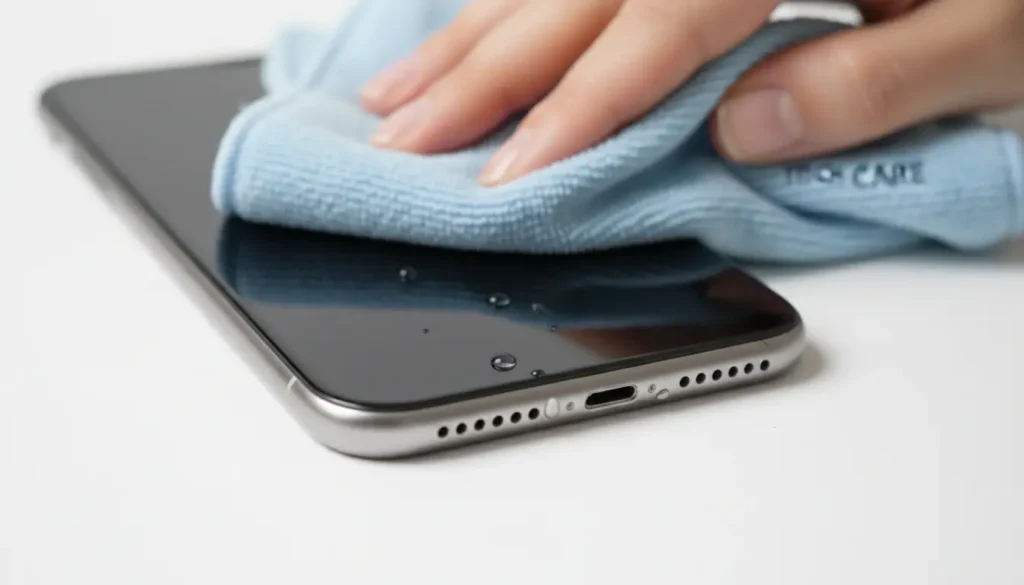
Use a microfiber or other lint‑free cloth so you’re not leaving fibers in the speaker grill or charging port. Press and dab rather than scrubbing, and use cotton swabs carefully around openings to wick up water without packing it further into the holes.
Suck the water out
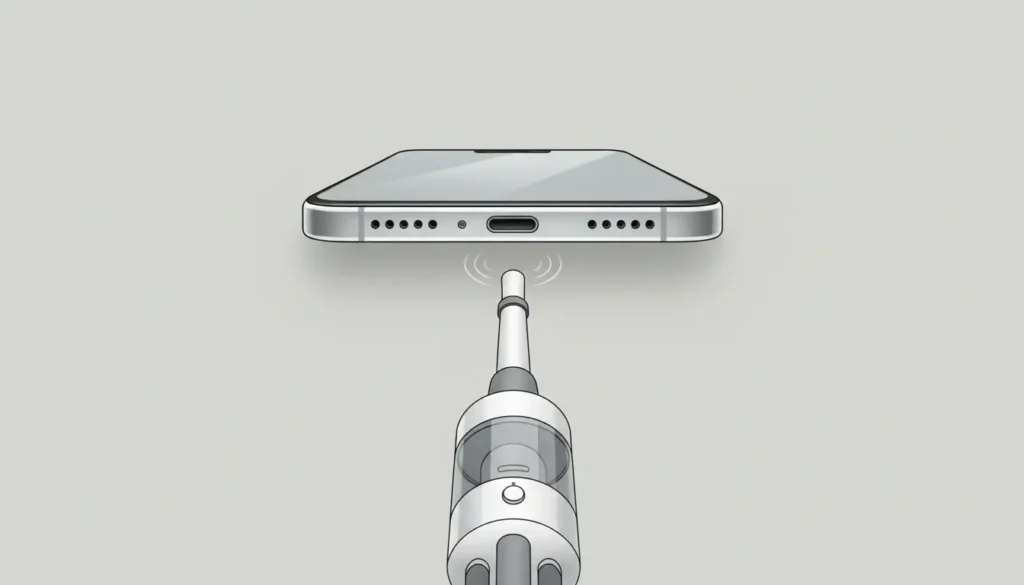
If you feel there’s still water hiding in nooks around the speaker, a small, low‑power vacuum can gently coax it outward. With the phone switched off, use a clean nozzle, keep a bit of distance, and move slowly around the grill so suction pulls water out without dragging dust inside.
Gravity & Air Drying (The Gold Standard)
Gravity and airflow are still the safest and most universal way to get water out of phone speakers. Place your powered‑off phone on a towel with the speaker facing down or at a slight 30–45° angle, then leave it in a warm, well‑ventilated room for 24–48 hours so droplets can drain and evaporate naturally.
You can gently tap or very lightly shake the device with the speaker and ports pointing down to help dislodge excess water. Avoid vigorous shaking, which can fling water deeper into the phone instead of out of the speaker grill
Silica Gel Packets (Better Than Rice)
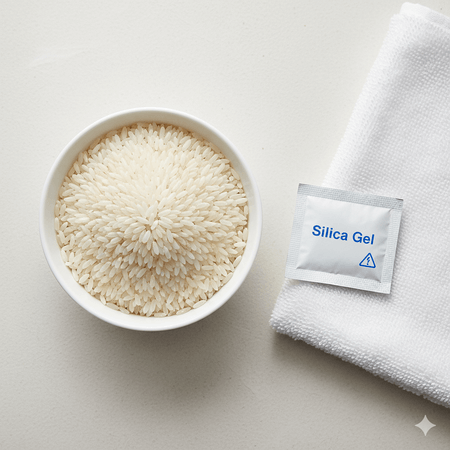
Silica gel is one of the best ways to deep‑dry the interior and pull out water trapped around the speaker assembly. Put your phone in an airtight bag or container with several silica gel packets, keep the speaker side facing down, and seal it for 24–72 hours so the reduced can gradually absorb moisture from tight spaces.
Unlike rice, silica gel doesn’t leave dust, starch, or broken grains in your ports or speaker holes, which is why repair techs consistently recommend it over the classic “bag of rice” trick. For repeated accidents, you can even “recharge” some silica gels by low‑temperature baking and reuse them in future emergencies
Compressed air can help move surface moisture or loosen droplets stuck near the speaker grill, but it must be used carefully. Hold the can a short distance away, tilt the phone so the speaker faces down, and use quick, light bursts at an angle instead of a continuous jet right into the opening.
Compressed Air (With Caution)
Too much pressure or blowing directly into the grill can force water deeper or damage delicate parts, so treat this as a supportive method, not your main way to get water out of phone speaker.
Sound-Based Ejection (Using Frequency Vibration)
Once the exterior is dry, you can start using sound itself to get water out of phone speaker. Turn the volume up, play a trusted water‑eject tone or speaker‑cleaner app, like My speaker fixer or PhoneWaterClean, as well as YouTube “remove water from speaker with sound” videos, play low‑frequency tones that vibrate the speaker cone, hold the phone with the speaker facing down over a tissue, and run it for 30–120 seconds at a time, checking for clearer sound in between.
What Not to Do: Common Myths Debunked
The rice fix is one of the most repeated tips online, but lab tests and repair shops both show it’s slow, unreliable, and messy: rice doesn’t pull out much moisture and can leave dust or fragments inside your phone. Extreme heat from hairdryers on high, ovens, radiators, or microwaves is even riskier—high temperatures can warp plastic, damage water‑resistant seals, and speed up corrosion while liquid is still present.
Similarly, blowing hard into the speaker, using a powerful vacuum, or shaking the phone violently can push water deeper into the device instead of helping you get water out of phone. If a method sounds like a shortcut that’s too good to be true, it probably is—stick with controlled drying, silica gel, and focused sound‑based ejection using a tool like myspeakerfixer.com instead
When to Seek Professional Repair
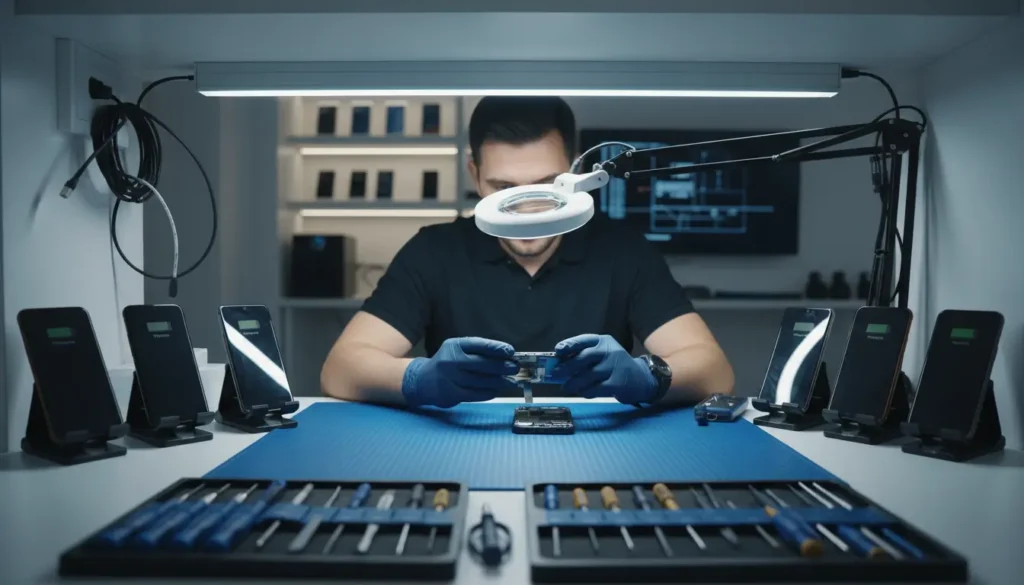
Home methods are great for mild to moderate moisture, but they can’t reverse heavy corrosion or severe component damage. If your speaker is still silent, badly distorted, or your phone is glitching or shutting down after 48–72 hours of careful drying and sound‑based cleaning, it’s time to involve a specialist. Repair technicians can open the phone safely, swap the speaker module if needed, and check whether the water has affected the mainboard or other critical parts.